Choose the grid yourself
Use this when you want the solution on a grid of your own: finer for more digits, coarser for a quick look, or on a box that matches other data.
Steps
Ask for the plan:
plan = pm.plan(problem).Set
plan.grid.shape, the number of points along each axis. In free space setplan.grid.lowerandplan.grid.upperas well, if the box should change.Solve with the plan:
pm.solve(problem, plan). It is executed exactly as given, and entries you do not touch keep the planner’s values.Read the diagnostics: they tell whether your grid was adequate.
Example
import sympy as sp
import pdemagic as pm

x, y = sp.symbols("x y", real=True)
u = sp.Function("u")(x, y)
problem = pm.Problem(
    sp.Eq(pm.laplacian(u), -sp.exp(-(x**2 + y**2) / 2)),
    domain=pm.FreeSpace(x, y),
)

plan = pm.plan(problem)
assert plan.grid.shape == [64, 64]  # the planner's choice

plan.grid.shape = (96, 96)
plan.grid.lower = [-8.0, -8.0]
plan.grid.upper = [8.0, 8.0]
finer = pm.solve(problem, plan)
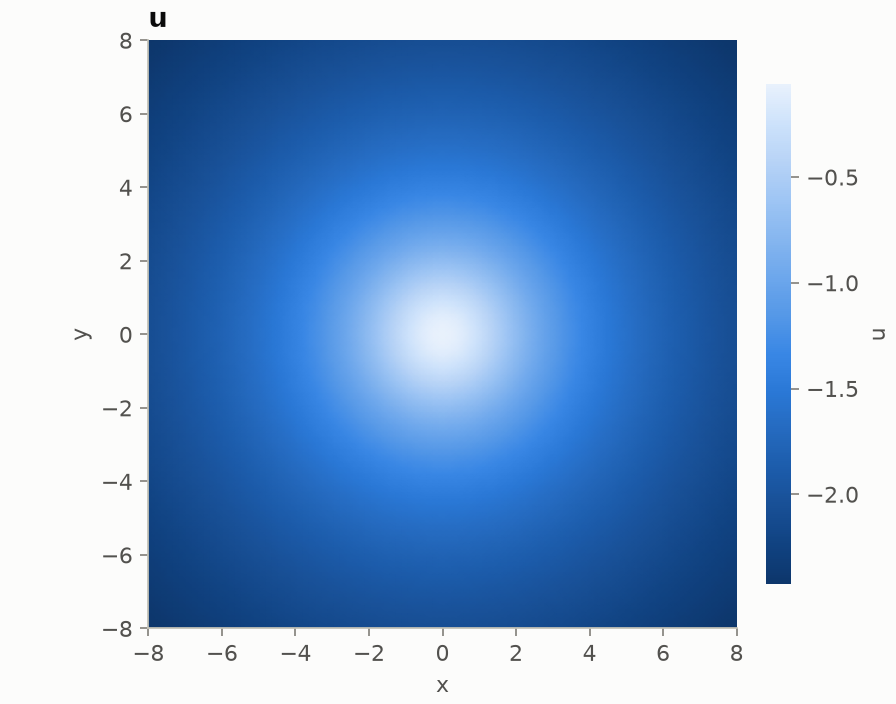
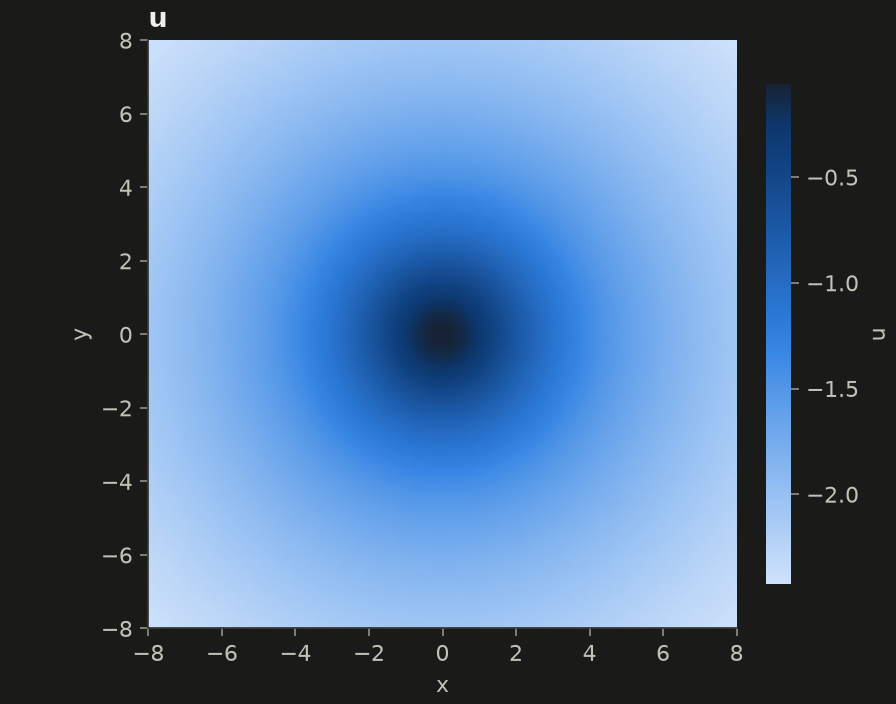
finer.plot()

xs, ys = finer.axes
assert finer[u].shape == (96, 96)
assert xs[0] == -8.0 and xs[-1] == 8.0
assert finer.diagnostics["spectral_tail"] < 1e-10

# A grid that is too coarse shows in the diagnostics.
plan.grid.shape = (16, 16)
rough = pm.solve(problem, plan)
assert rough.diagnostics["spectral_tail"] > 1e-2
Notes
On a box with walls and on a round domain only the shape can change: the grid reaches from face to face. The points are not equally spaced there.
domain.axes(shape)returns them for any shape, before you solve.On a shape in the plane the grid is only where the solution is given. It does not affect the accuracy, which
method.degreeandmethod.spacingset.A problem with array data is solved on the grid of the data. A plan with another grid is refused.
A plan that does not fit the problem raises
InvalidPlanError, with a message that says what is wrong.In free space the box must hold the source: the diagnostic
source_boundary_ratiotells.The planner and its plan explains how the planner finds its grid, and Get more digits how to judge yours. The reference describes the plan.