Animate a solution
Use this when you want to see how a solution of a problem in time changes, as a film in a notebook or as a file.
Steps
Decide how many frames the film has. It has one for each recorded time, so set
plan.times.countbefore solving.Call
film = solution.animate(). It returns a matplotlib animation. Keep it in a variable, or matplotlib discards it.Show it in a notebook with
film.to_jshtml(), or write it to a file withfilm.save("string.gif").
Example
A string that is plucked in the middle. The bump splits into two halves that move apart:
import sympy as sp
import pdemagic as pm

x, t = sp.symbols("x t", real=True)
s = sp.Function("s")(x, t)

string = pm.Problem(
    sp.Eq(s.diff(t, 2), 9 * s.diff(x, 2)),
    domain=pm.FreeSpace(x),
    time=(t, 0.0, 1.0),
    initial={s: sp.exp(-(x**2)), s.diff(t): 0},
)
plan = pm.plan(string)
plan.times.count = 26  # 26 frames
plucked = pm.solve(string, plan)

film = plucked.animate(interval=60)  # 60 milliseconds for each frame
assert len(plucked.times) == 26
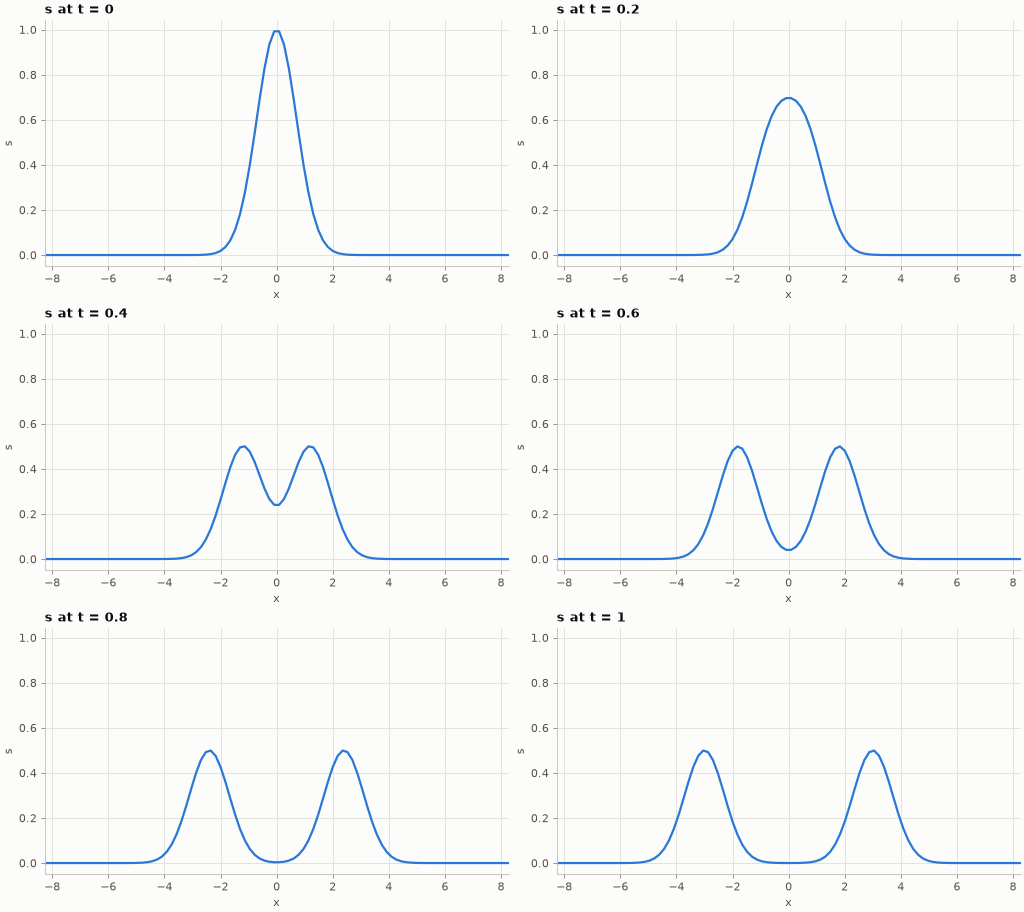
Notes
interval=is the time between two frames in milliseconds. Without it a frame lasts 80.In two dimensions the film shows the field in colour, and in three a section, which
cut=chooses as for a plot.With several unknowns, name the one to show:
solution.animate(b). Of a complex unknown the magnitude is shown, unlesspart="real"orpart="imag"asks for a part.For an eigenproblem
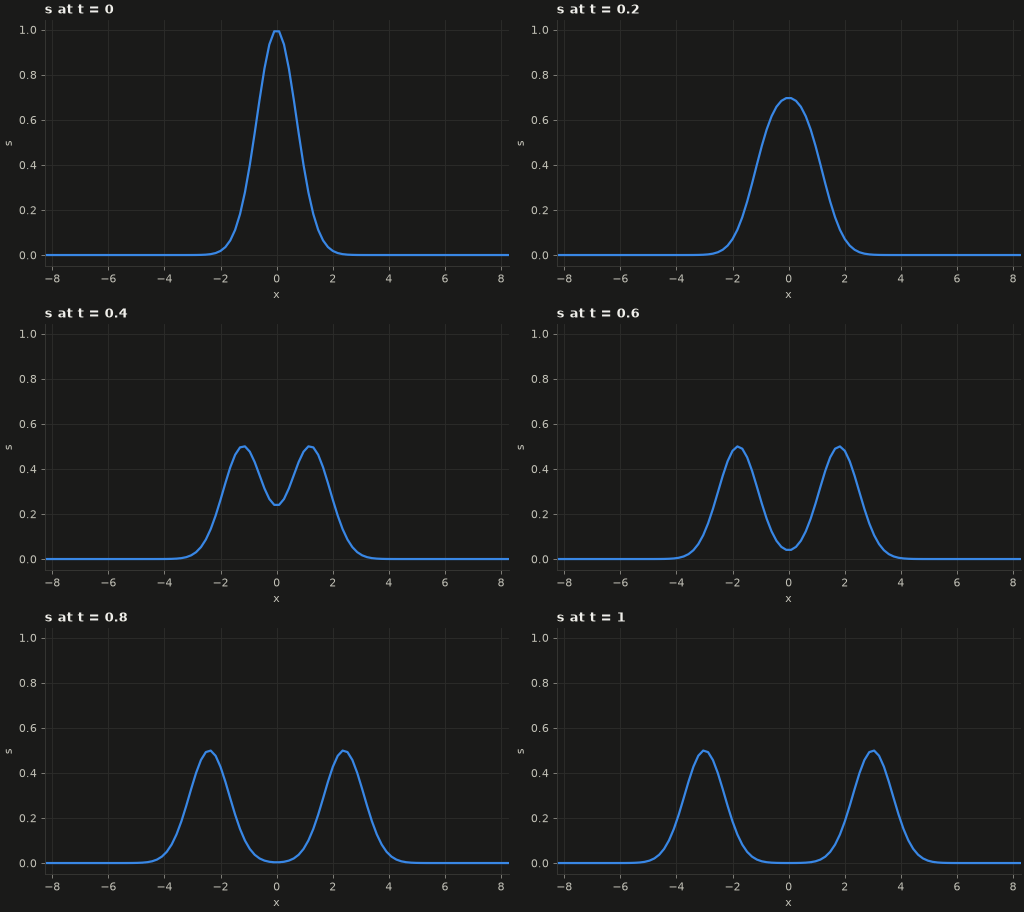
animateleafs through the states.theme="dark"draws for a dark background.Writing a film takes much longer than solving: a few seconds for these 26 frames. A file that ends in
.gifneeds no further program, and other formats need what matplotlib needs for them.For one moment as a still picture, use
solution.plot(time=0.5).Plotting explains what is drawn, Choose the times that are recorded the frames, and the gallery has a plucked string.